Guides for the person using it
Short guides for people whose website we look after. If what you want is not here, the shortest path is still the honest one: ask your site manager in plain English, or email hello@fleetpages.au and a human will answer.
-
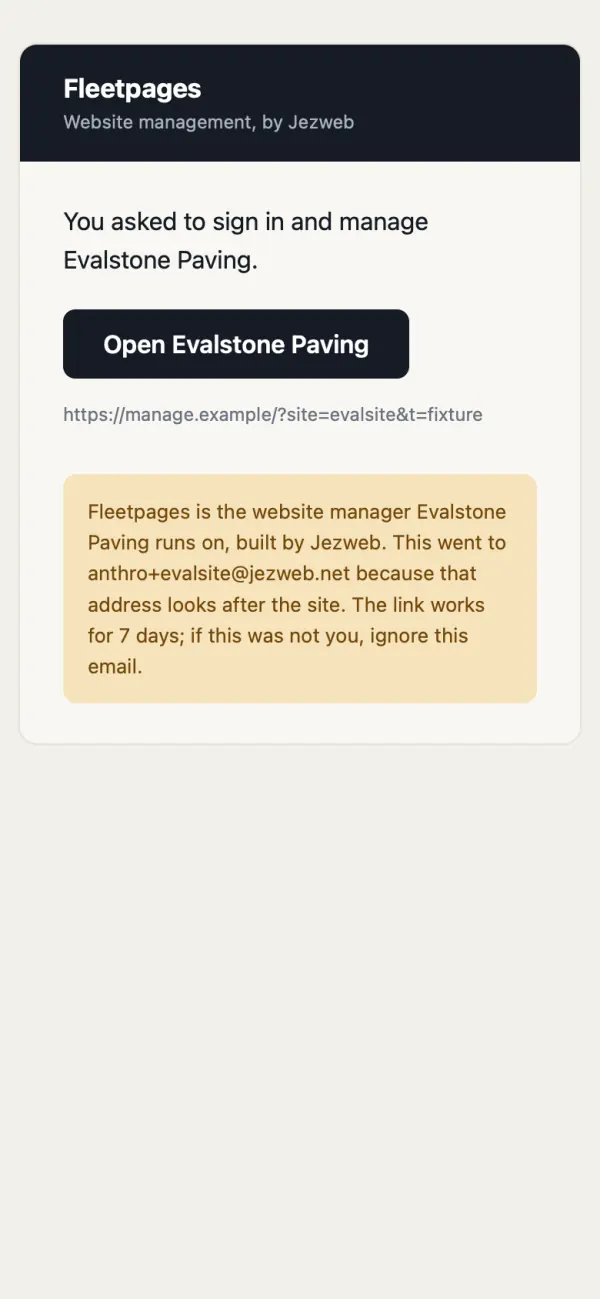 Sign in to your dashboardOne emailed link, no password, and what each page is for.
-
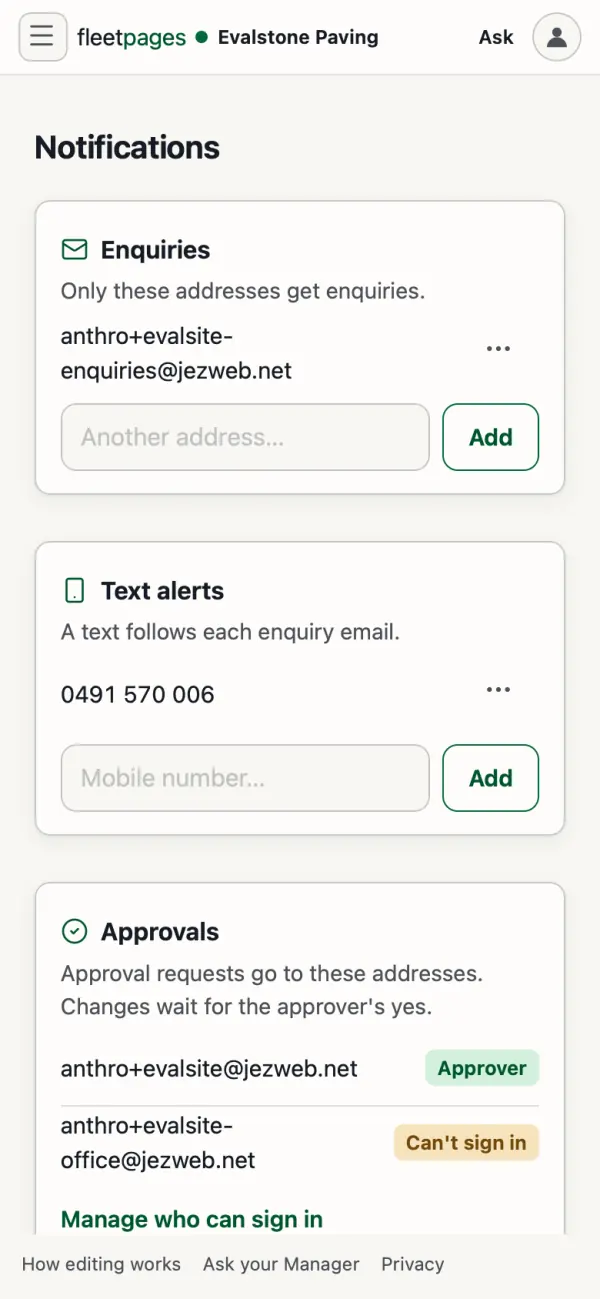 Your enquiriesWhere they land, how to send them somewhere else, and what "Stop sending these to me" really does.
-
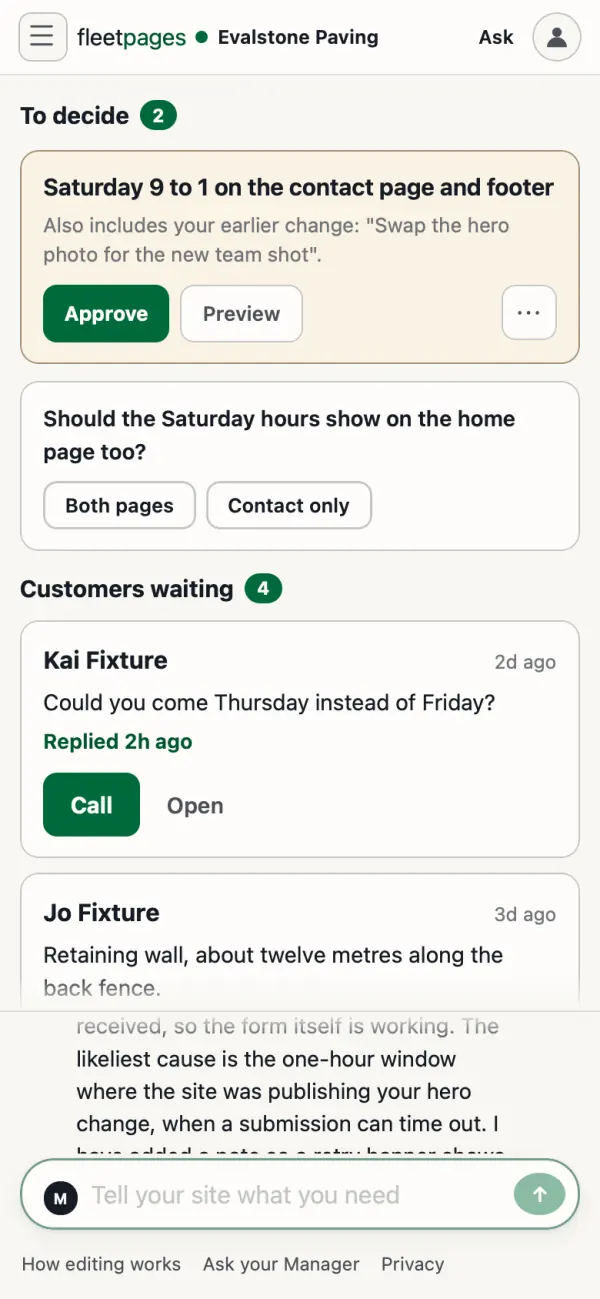 Approve a changeSee it first, approve it, change it, or say not this one.
-
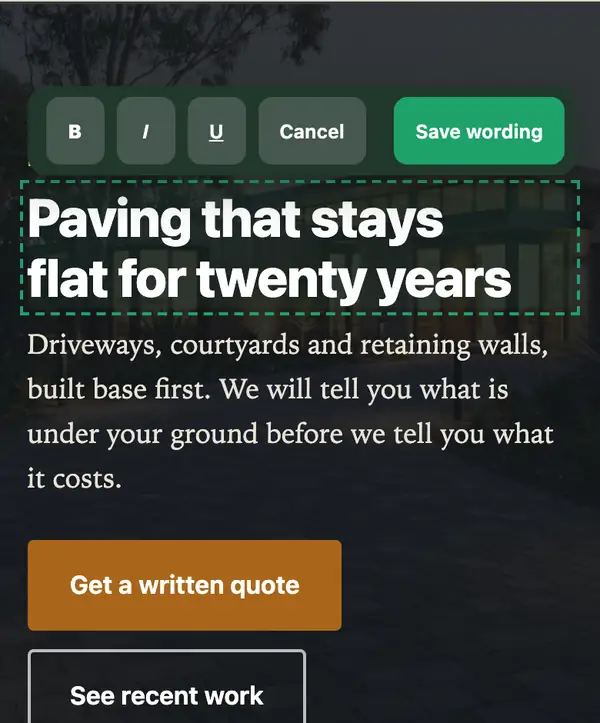 Change the wordsDouble-tap the words on your site and type the new ones.
-
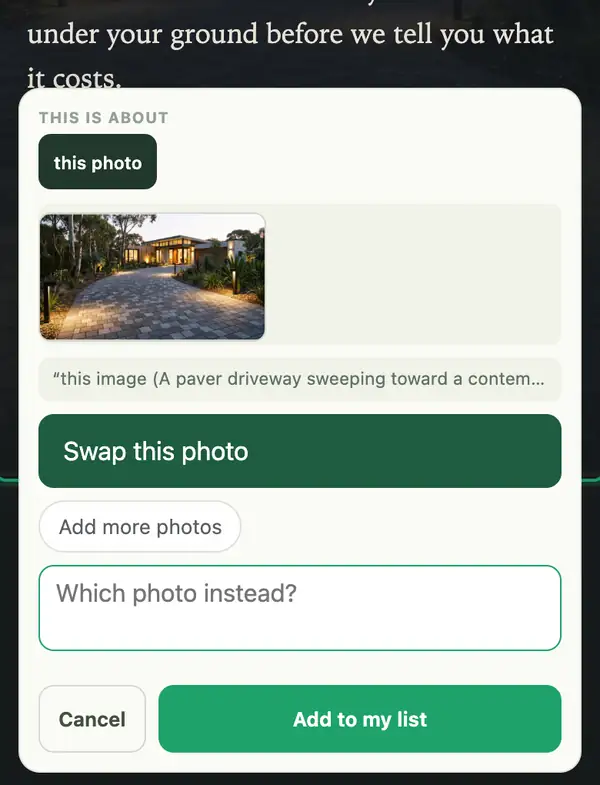 Swap a photoPress and hold a photo on your phone, then pick the new one.
-
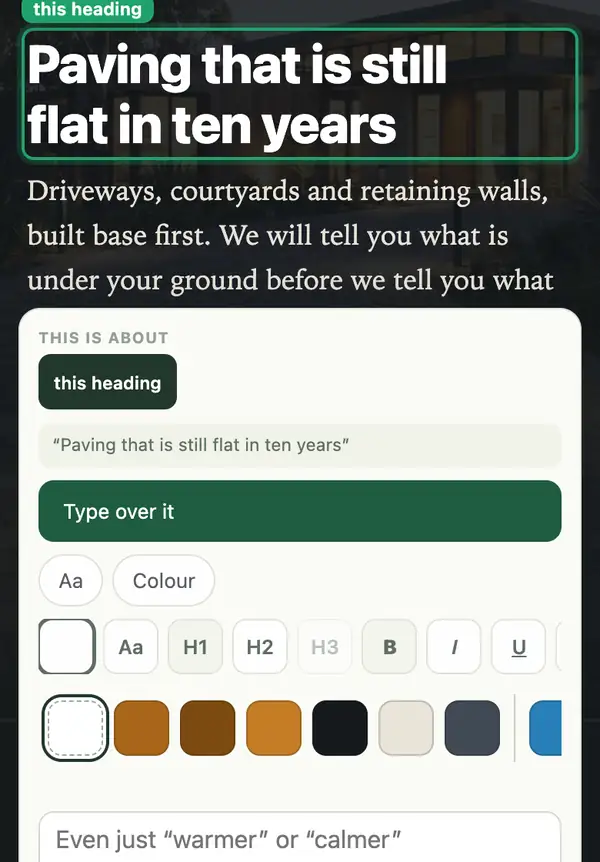 Change colours and fontsOne heading's colour, or a new look for the whole site.
-
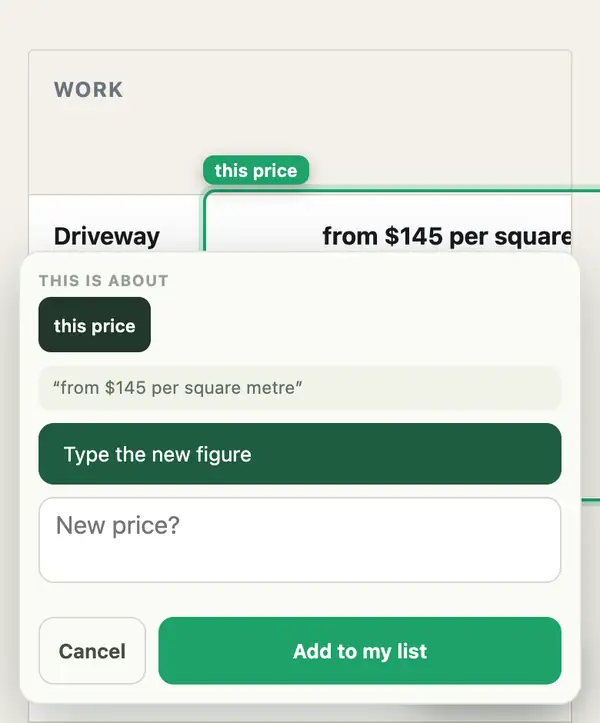 Change your pricesType the new figure over the old one.
-
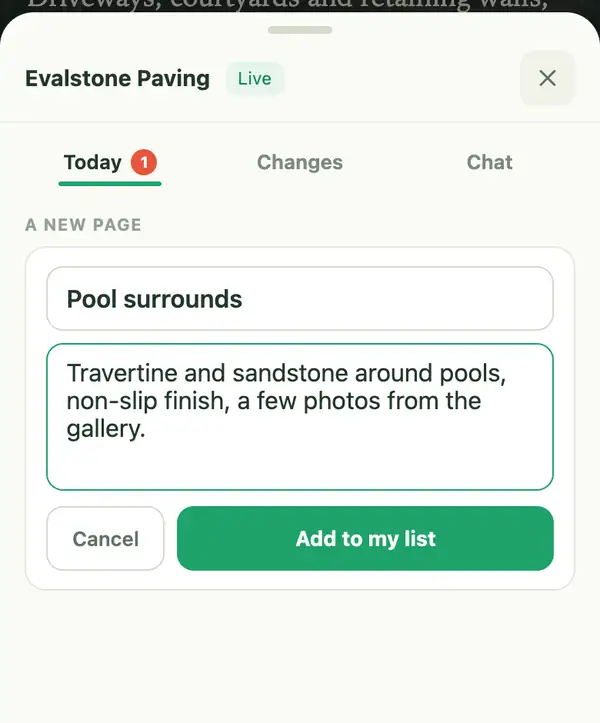 Add a pageA name and a few rough notes are enough to start.
-
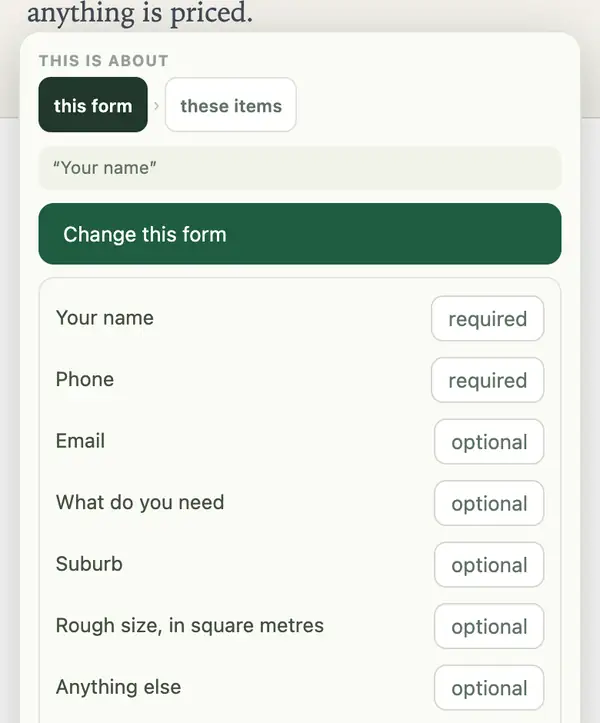 Change a formMake a field optional, remove one, or add one.
-
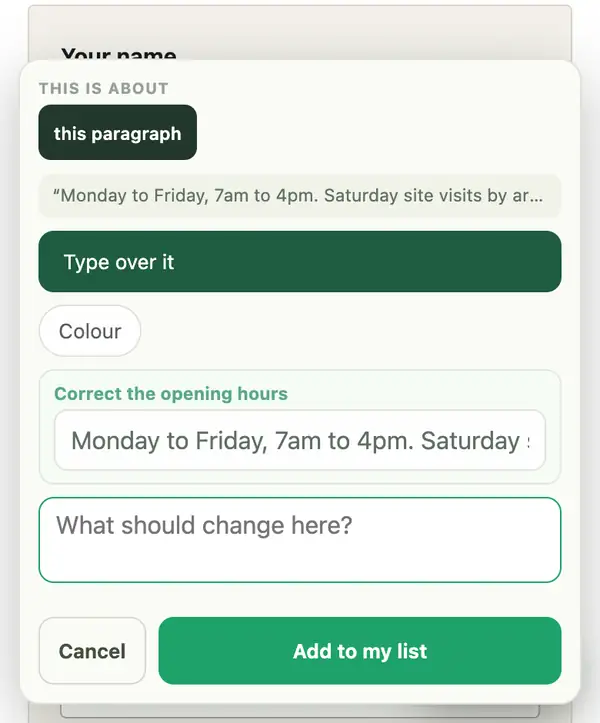 Change hours and phoneTyped once, changed everywhere. Holiday closures too.
More guides
-
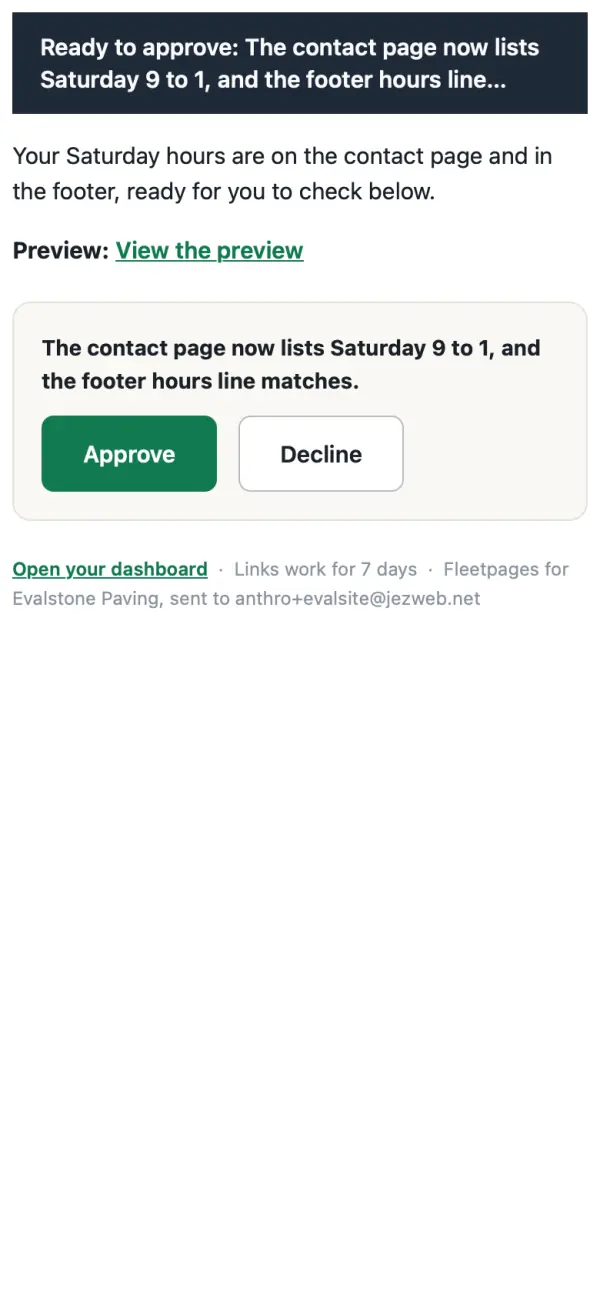 Ask for a changeChat, email or point at the page. You see a preview first, and nothing goes live until you tap Approve.
- Forward an emailSend your site manager a supplier's price list or a customer's question, attachments and all.
- Ask a questionWhat changed, what is waiting for you, how many enquiries came in. Asking changes nothing.
- Point at it, or mark up a screenshotShow the exact thing on your site, or mark up a screenshot and send it.
-
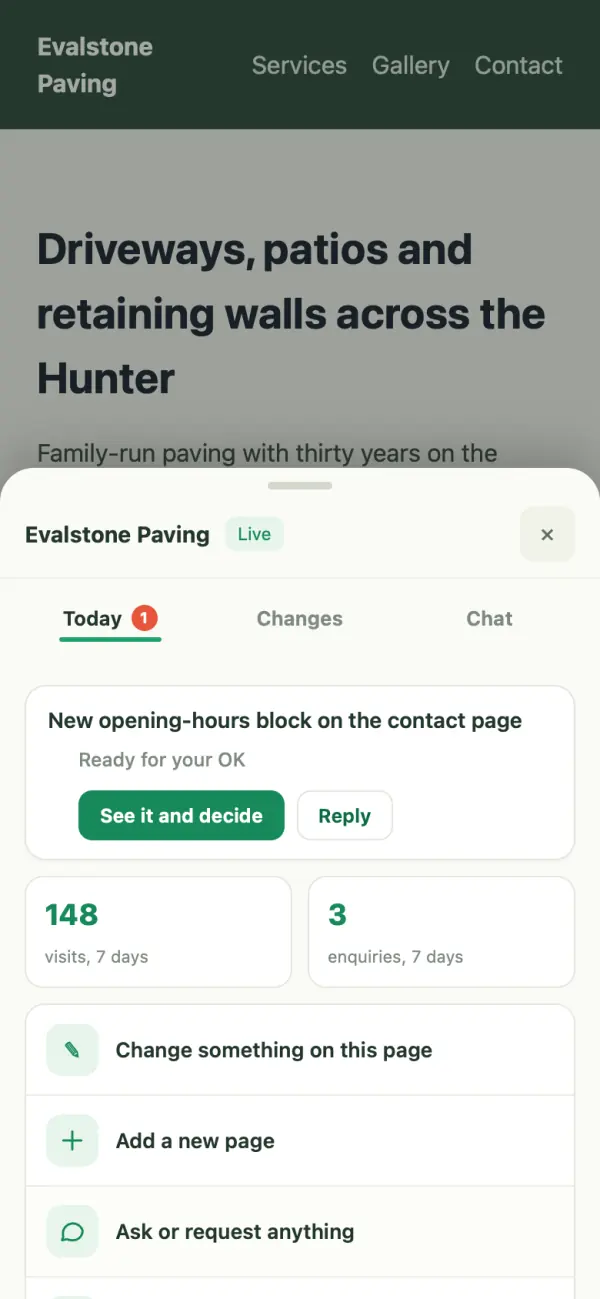 Editing your own site, properly explainedEvery gesture for changing your site from the page itself: the corner button, pointing at the page, and what happens after you send.
-
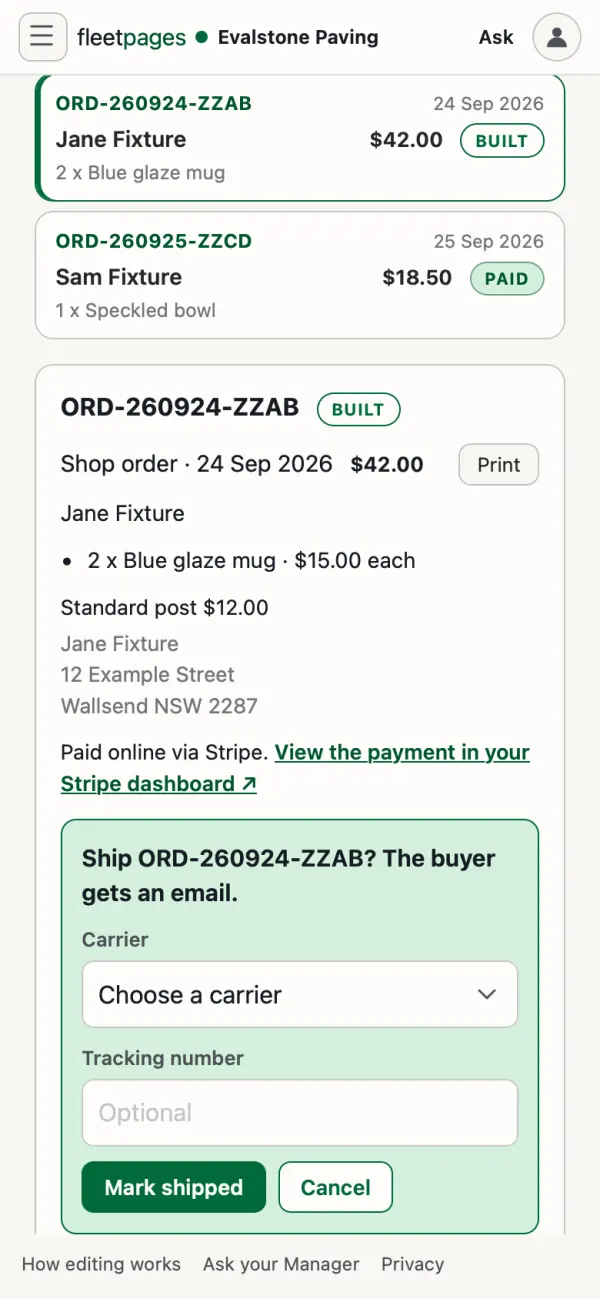 Your shopOrders from new to shipped, what your buyer is told, and who changes prices and products.
-
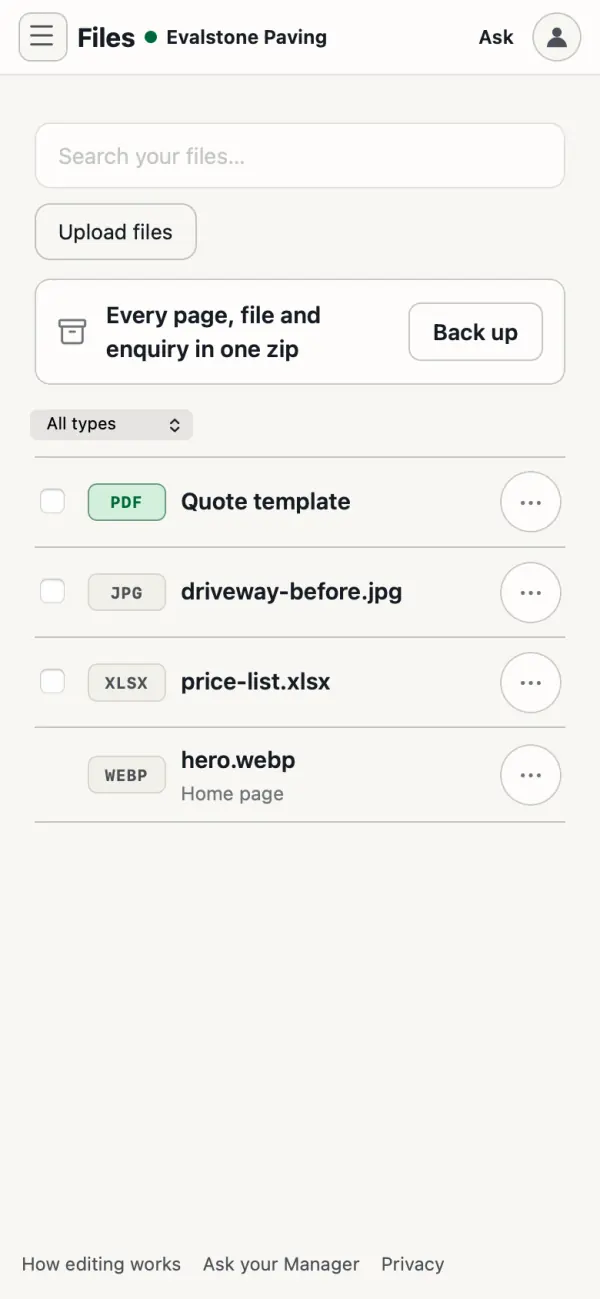 Photos and filesUpload, attach or email them. Sizes, file types, and where they end up.
- Going live on your domainWhat changes on the day, why your email is untouched, and what happens to your old site or store.
- Your plan and billingWhat you pay each month, and which changes cost nothing.
More guides land here as we write them. If you got stuck on something and had to work it out yourself, tell us: that is exactly the page that should exist next.