Help
Change colours and fonts
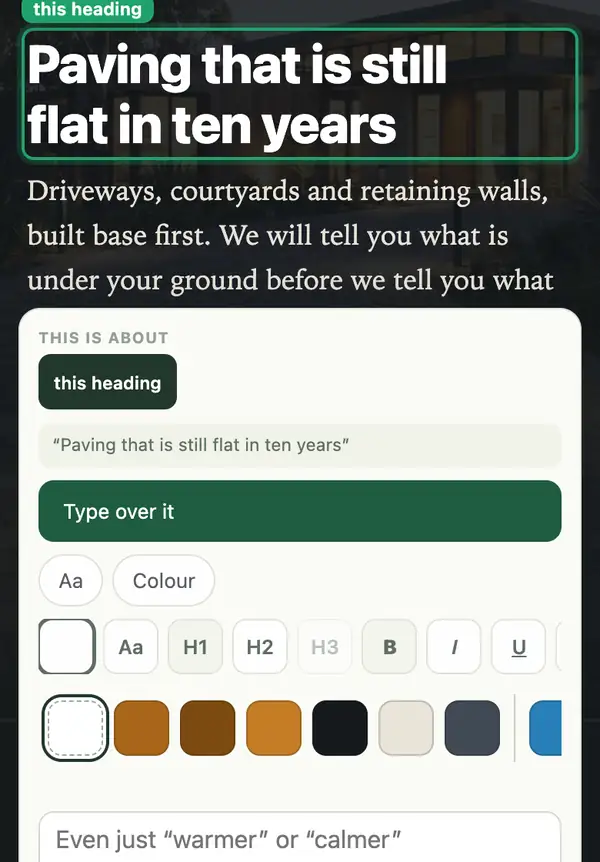
Tap a heading or button on your site to change its colour or size. For fonts, or a look across the whole site, tell your Manager what you want.
One heading or button
- Open your site, tap Manage, then Change something on this page, and tap the heading or button.
- Tap Colour. Your site's own colours come first, and Any colour opens the full picker. A heading also has Aa for size.
- Tap a colour to try it in place, then Add to my list. Tap Manage, open Changes, and tap Send to my Manager.
The whole site
- Tap Ask in your dashboard and say it in your own words: "every button in our dark green", or a font you like, by name.
- Not sure how it should look? Your Manager draws two or three versions for you to pick from. Then approve the preview.
Stuck? Ask your site manager, or email hello@fleetpages.au.