Help
Change your prices
Tap the price on your site and type the new figure. For a calculator or your shop, tell your Manager the new prices.
A price on a page
- Open your site, tap Manage, then Change something on this page, and tap the price.
- Tap Type the new figure. The price opens for typing: type the new one and tap Save wording.
- Tap Manage, open Changes, and tap Send to my Manager. Then approve the preview.
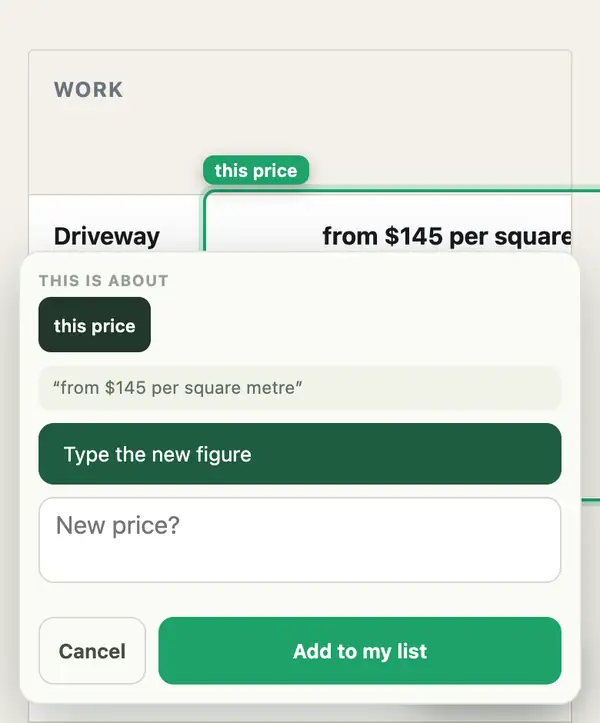
Several prices in one spot? The card lists each one under Change these prices, with a box for each new figure.
Calculators, price lists and your shop
- Tap Ask in your dashboard, or reply to any email from your site manager, with the new figures. Say whether they include GST.
Your Manager uses your figures exactly and never makes one up. Selling online? Your checkout keeps its prices apart from the page, so your Manager tells you what it changed and what still needs doing.
Stuck? Ask your site manager, or email hello@fleetpages.au.