Help
Signing in to your dashboard
Go to manage.fleetpages.au, type your email address, and tap the sign-in link we email you. No password.
Sign in
- Open manage.fleetpages.au on your phone or computer.
- Type the email address we have for you and tap Email me a sign-in link.
- Open the email from hello@fleetpages.au called "Sign in to (your business) on Fleetpages" and tap Open (your business). The link works for 7 days.
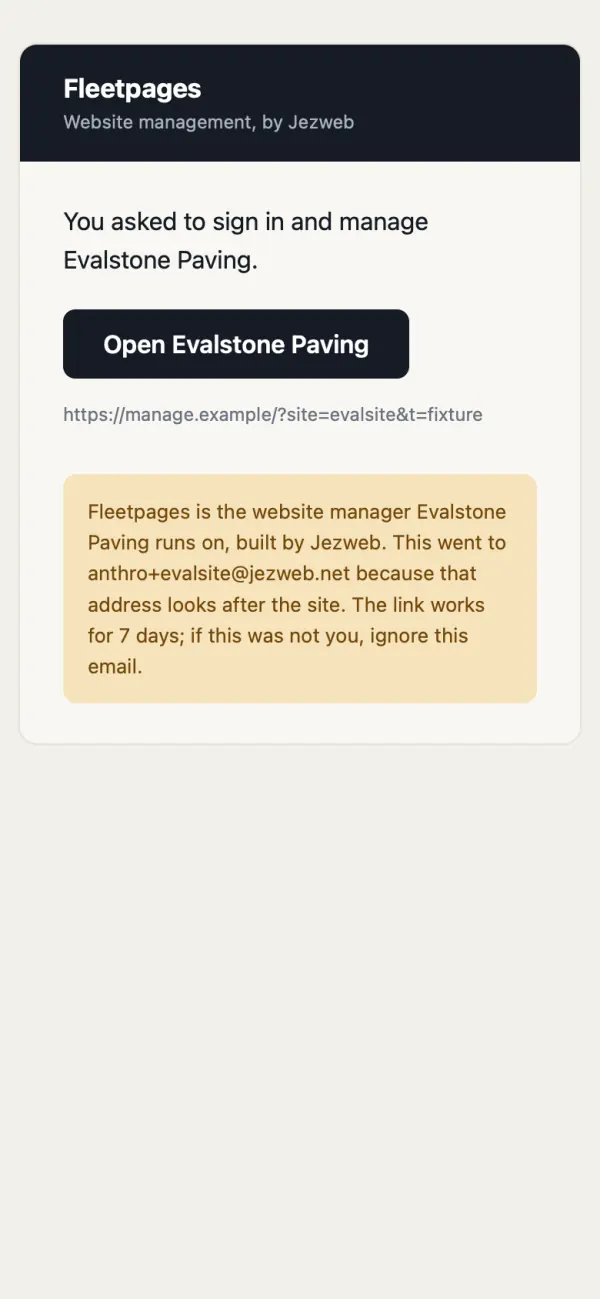
Your Google account uses that same address? Tap Continue with Google instead.
No email? We only send a link to an address that looks after your site. Check your spam folder, then try the address we usually write to you at.
What you see
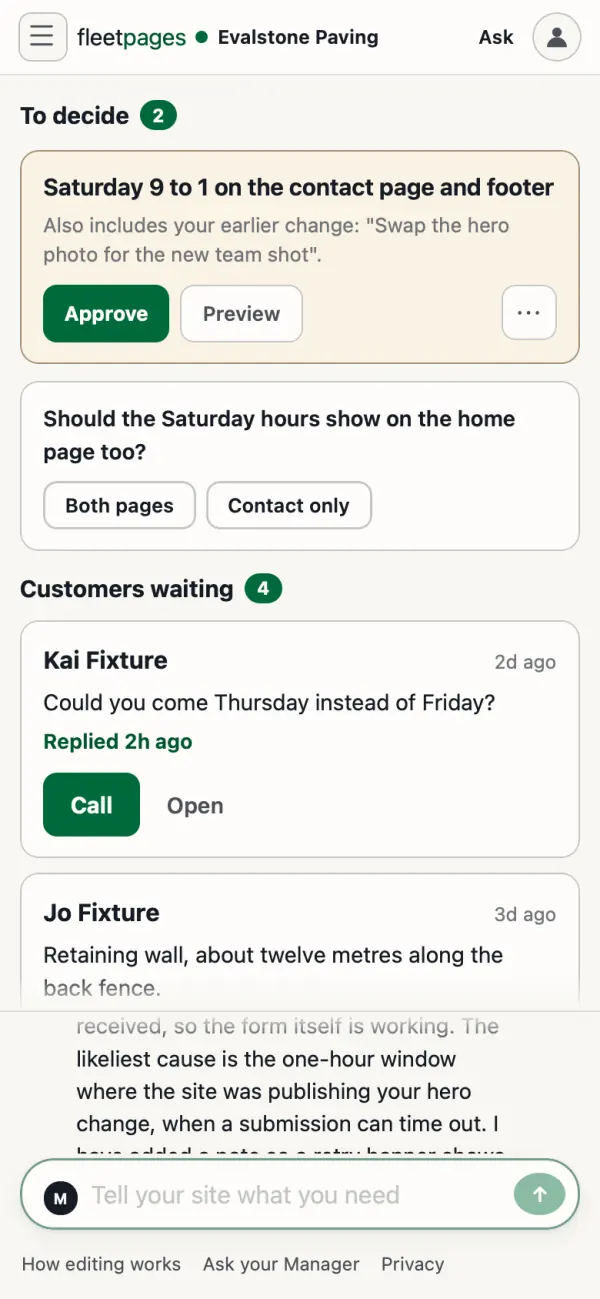
- Today: anything waiting for your yes, enquiries from the last 30 days, and what changed this month.
- Ask, at the top of every page: type to your site manager. The dashboard calls it your Manager. It is one conversation with your email and your site.
- Enquiries: every enquiry from your site.
- Your site: Pages, Forms, Photos, Files, History, and Orders if you sell online.
- Settings: Users & access, and Notifications.
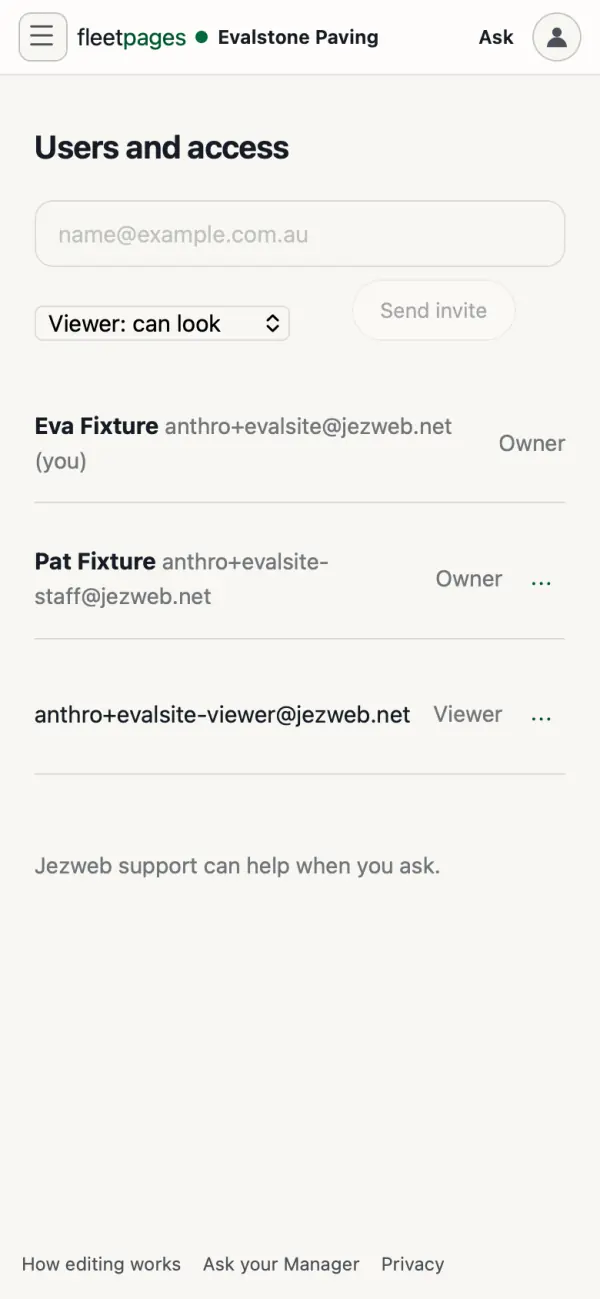
Add someone
Settings, Users & access. Type their email, choose Viewer: can look or Owner: can change, and tap Send invite.
Stuck? Ask your site manager, or email hello@fleetpages.au.