Modules › Follow-ups
module · running for one clientThe follow-up you meant to send
Tell your Manager what should happen after an enquiry, a won job or a booking. It writes the emails and texts, reads the plan back to you in plain sentences, and holds every message for your tap until you let them go on their own.
Ask us·quoted with you, and switched on only with your yes
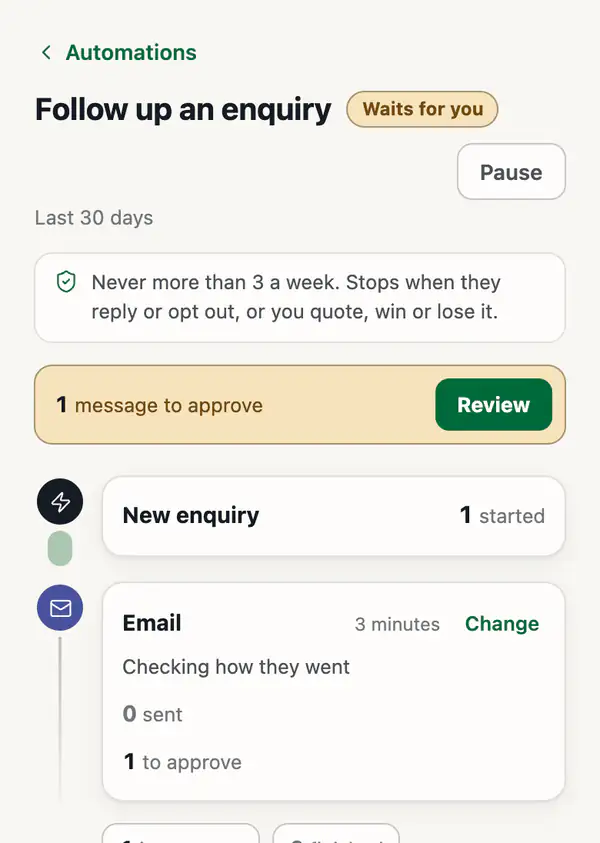
Nothing goes out until you tap Send
Each message lands in your Outbox first, written and addressed. Send it, change the words, or skip it.
When a sequence has earned your trust, switch it to send on its own. Pause it whenever you like.
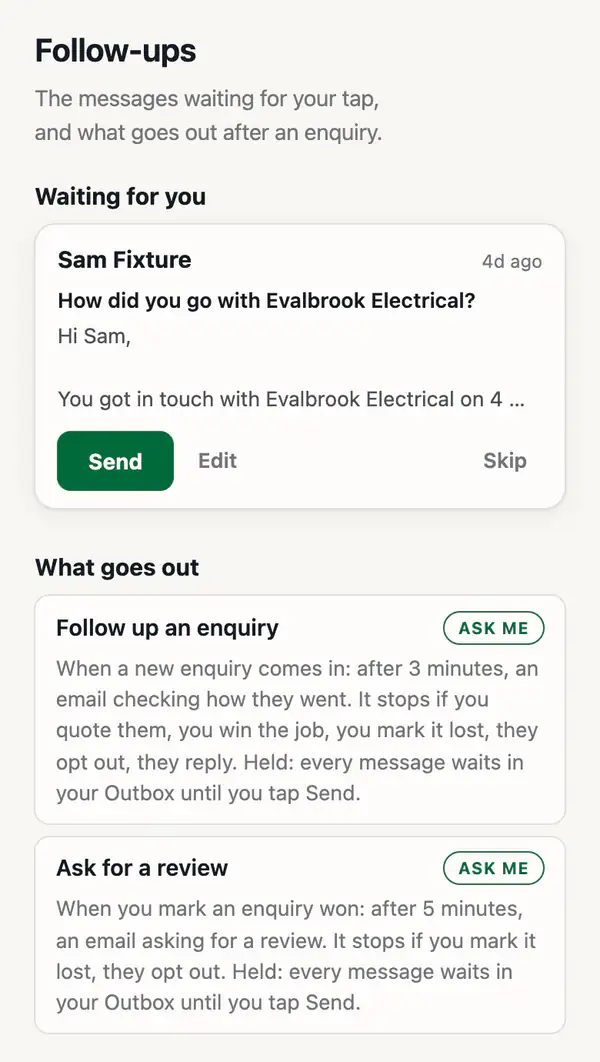
Your plan, read back in sentences
Say it the way you would to a new staff member: "two days after an enquiry, email to see how they went". Your Manager sets it up and reads it back, so you know exactly what will happen and when.
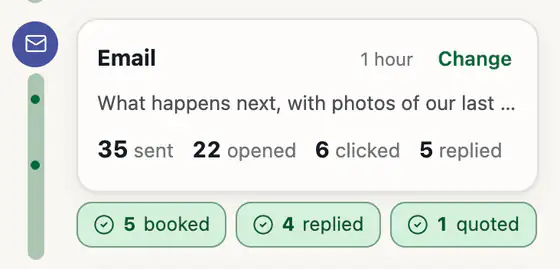
The Automations page shows each one as a line: how many people started, what is waiting on you, and why people left.
Keen, never pushy
Order emails send themselves
With a shop on your site, the order emails need no setting up.
What it does not send yet
- Not yetAbandoned cart emailsA buyer who leaves a cart or a checkout half done hears nothing from us.
- Not yetBack in stock emailsNobody is told when a sold-out product returns.
- Not yetNewsletters and broadcastsOne message to your whole list is not something it does.
None of the three is built.
Where this actually is today
One client runs follow-ups now, with every message held for their tap. Our test business runs the same sequences every week.
It is quoted with you and switched on only with your yes, because it writes to your customers in your name.
Tell us what should happen next
After an enquiry, a won job or a booking: say what you would send if you had the time, and we will show you how it runs.
Talk to us about follow-ups